Four kinds of access
| Kind | What it answers | Who decides |
|---|---|---|
| Data group | What you may see and read: APIs, tools’ APIs, data sets, fields | The group’s data owner approves each authorisation |
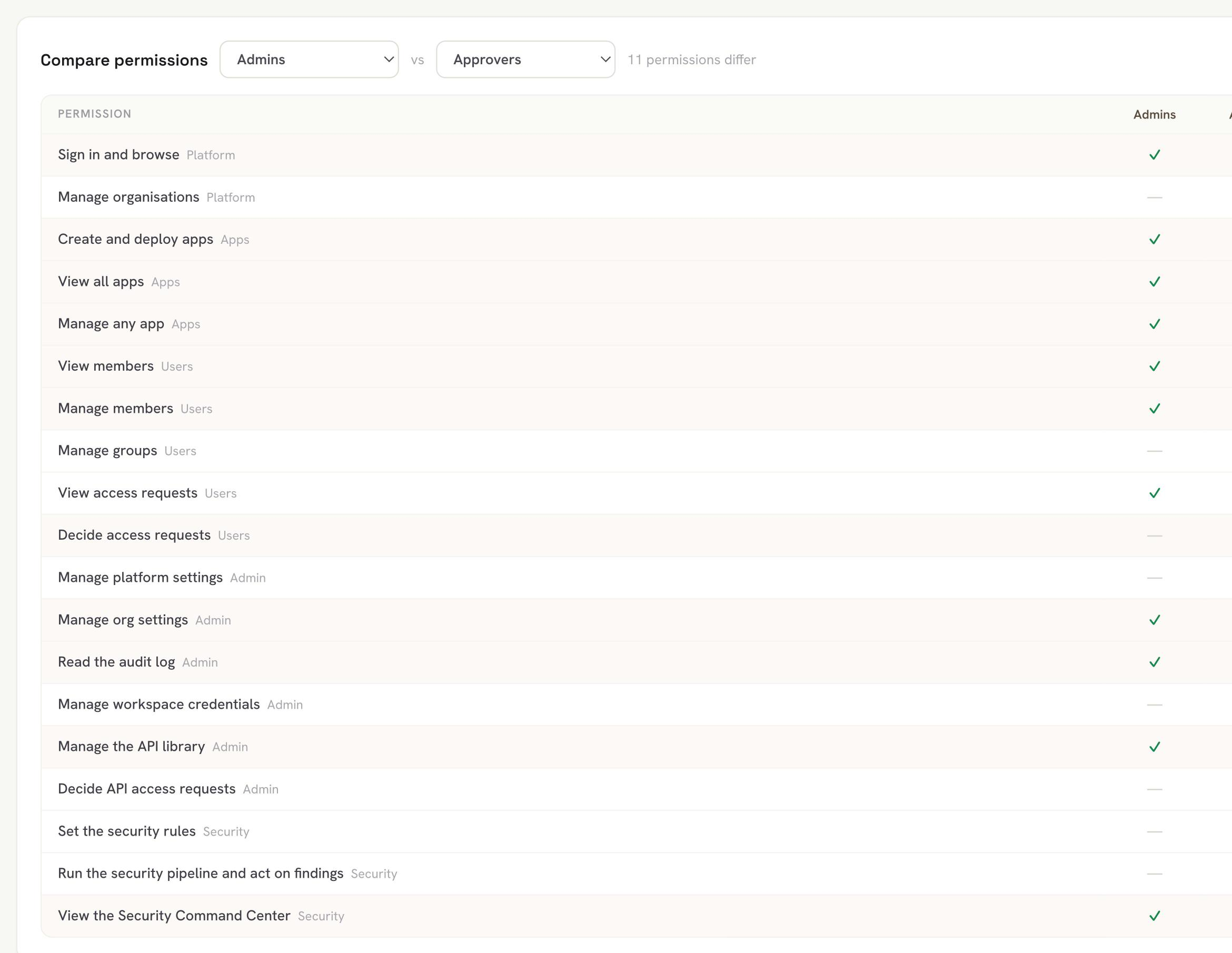
| Capability group | What you may do on the platform: view the security centre, manage people, browse tools, operate agents | An admin composes it from a fixed list |
| App role | What you may do on one tool: deploy it, change its settings, manage its sign-in list | The tool’s owner assigns it, per person |
| The tool’s sign-in | Who may open a tool, in each environment | The tool’s owner, or someone they delegate |
Groups by domain, not by level
Finance sees finance and operations sees operations. No group sits above another. A person’s access is the sum of their groups, and a permission goes only when the last group carrying it is removed.
App roles
Two app roles come built in. A Collaborator can do almost everything the owner can, except manage people and ownership. An Access manager holds only the tool’s sign-in list. Admins can narrow any role by configuration.
Sign-in
Every tool signs people in through your identity provider. In production, the owner chooses whether a tool needs sign-in, because a customer-facing form or status page must be public. A person with no company account can be given access to one tool by a sign-in link, and withdrawing it ends their session at once.
Check before you grant
An admin can act as a member, bound by that member’s access, and preview what a set of groups would grant before anyone receives it.
Country tags
Every person and tool can carry a country tag, for finding and filtering. A tag grants nothing.